
TABLE OF CONTENTS
- Before You Begin:
- How Scrolling Works with Custom CSS:
- Fetch Block:
- Weather Block:
- Package Tracking Block:
- (Optional) Pause Scrolling When Hovered:
- Frequently Asked Questions:
- Helpful Articles:
For DAKboard blocks that do not offer a built-in scrolling feature, there is a way to add scrolling to a block using our Custom CSS feature.
A few things to keep in mind before using the snippets below:
- Intermediate-to-advanced technical knowledge may be required to tweak these examples to fit your exact layout.
- This approach may not work well with more complex or frequently-changing content.
- Dynamic content (such as content pulled in from a Fetch block) that varies widely in size may be challenging to fine-tune.
If you'd like to request a built-in scrolling feature for a specific block, please review the open Discussions on GitHub and add your use case, or start a new Discussion if one isn't already underway.
To gain more familiarity with Custom CSS in general, including where to paste it and how block naming and targeting work, please check out our article Applying Custom Styles to Screens.
Before You Begin:
A few reminders before you start copying snippets:
- Always save your changes, then click the Refresh Displays button to see them take effect.
- If you have more than one of a block type (for example, two Weather blocks) and only want to change one of them, give that block a Block Title in the Editor first. See Applying Custom Styles to Screens to learn how block naming works.
- Some snippets below target specific Block types. If a snippet doesn't seem to do anything, double-check that it matches the type of block you're using.
- Only use one scrolling snippet per block. Each example below is a complete, self-contained set of rules. Don't combine the horizontal and vertical versions for the same block at the same time.
How Scrolling Works with Custom CSS:
Each example below follows the same basic pattern, built from three parts working together:
- A container rule that hides any content outside the block's visible area, using
overflow: hidden. This is what keeps the scrolling effect contained instead of spilling out over the rest of your Screen. - A
@keyframesrule that defines the motion. Where the content starts, where it ends, and (optionally) where it pauses along the way. This is known as keyframing: you define the important points in the animation, and the browser smoothly fills in the motion between them. - An animation rule that ties the two together, applying the keyframes to the actual content and controlling how long one scroll cycle takes (
animation-duration) and how it should repeat (animation-iteration-count: infinitekeeps it looping forever).
The value you'll often want to adjust is animation-duration. This controls scrolling speed. A lower number of seconds scrolls faster, while a higher number scrolls slower.
Fetch Block:
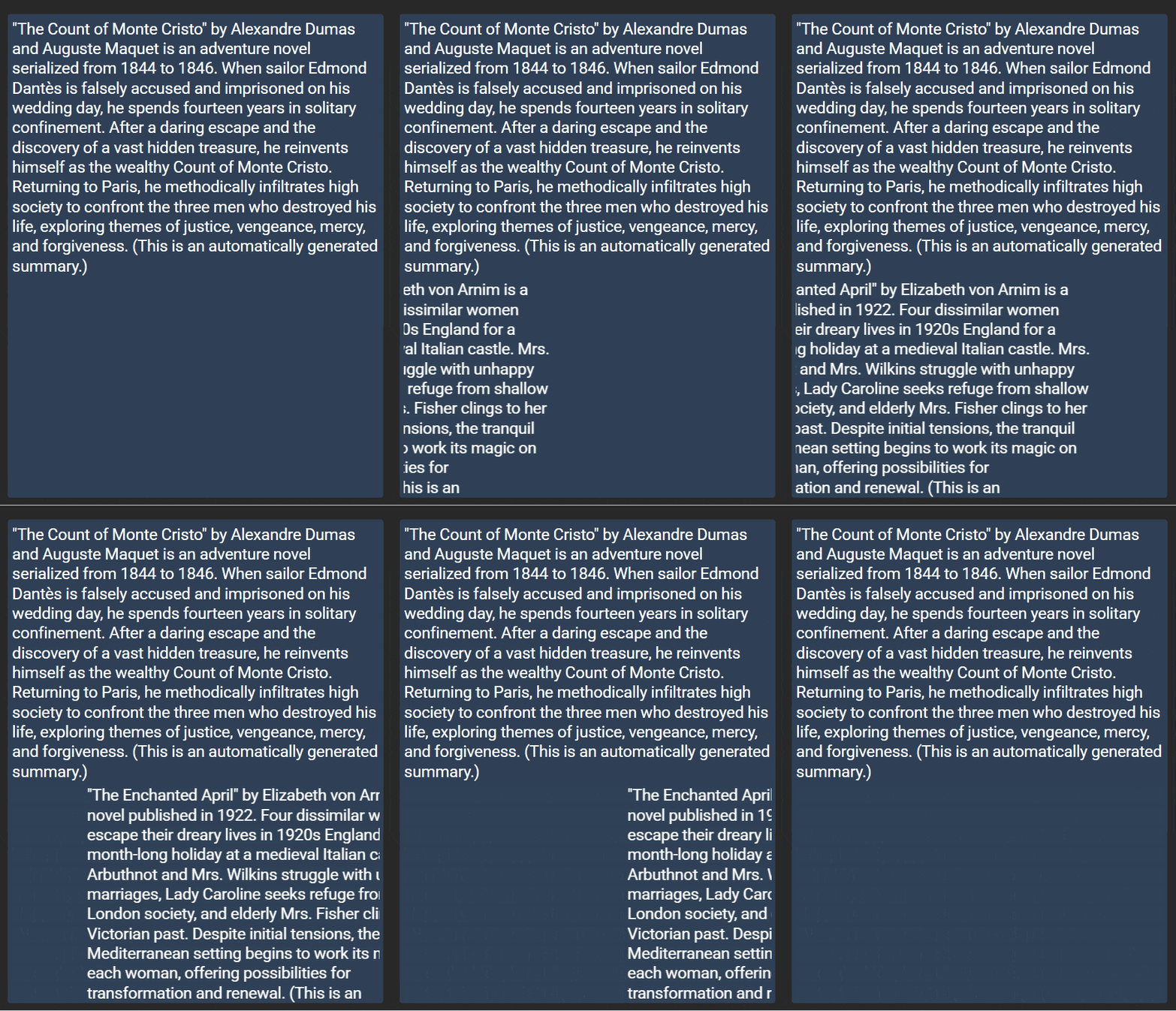
The example block here has been given the name My Scrolling Fetch Block. It has been set up with a URL that will pull in some text to scroll into the second of the fetched values.
Vertical Scrolling:
This scrolls the block upward and out of view, pauses briefly, then scrolls it back down to its starting position. This happens continuously.
/* Hides content outside the visible area and sets a fixed scroll window height */
.block--MyScrollingFetchBlock .json-data:nth-child(2)
{
     overflow: hidden;
     height: auto;
}

/* Vertical scrolling motion */
@keyframes scroll-vert-marquee-1
{
       0% {transform: translateY(0%);}
      10% {transform: translateY(0%);}
      40% {transform: translateY(-100%);}
      60% {transform: translateY(-100%);}
      90% {transform: translateY(0%);}
     100% {transform: translateY(0%);}
}

/* Applies the animation */
.block--MyScrollingFetchBlock .json-data:nth-child(2) .json-data-value
{
    animation-name: scroll-vert-marquee-1;
    animation-duration: 15s;  /* lower = faster, higher = slower */
    animation-timing-function: linear;
    animation-iteration-count: infinite;
}
Horizontal Scrolling:
This scrolls the block across the screen like a ticker.
/* Hides content outside the visible area and sets a fixed scroll window height */
.block--MyScrollingFetchBlock .json-data:nth-child(2)
{
     overflow: hidden;
     height: auto;
}

/* Horizontal scrolling motion */
@keyframes scroll-horiz-marquee-1
{
     0% {transform: translateX(-105%);}
   100% {transform: translateX(105%);}
}

/* Applies the animation */
.block--MyScrollingFetchBlock .json-data:nth-child(2) .json-data-value
{
    animation-name: scroll-horiz-marquee-1;
    animation-duration: 15s; /* lower = faster, higher = slower */
    animation-timing-function: linear;
    animation-iteration-count: infinite;
}
NOTE: .json-data:nth-child(2) targets the second content item pulled in by your Fetch block. If you're scrolling a different item from your feed, adjust this number to match its position.
Weather Block:
Horizontal Scrolling:
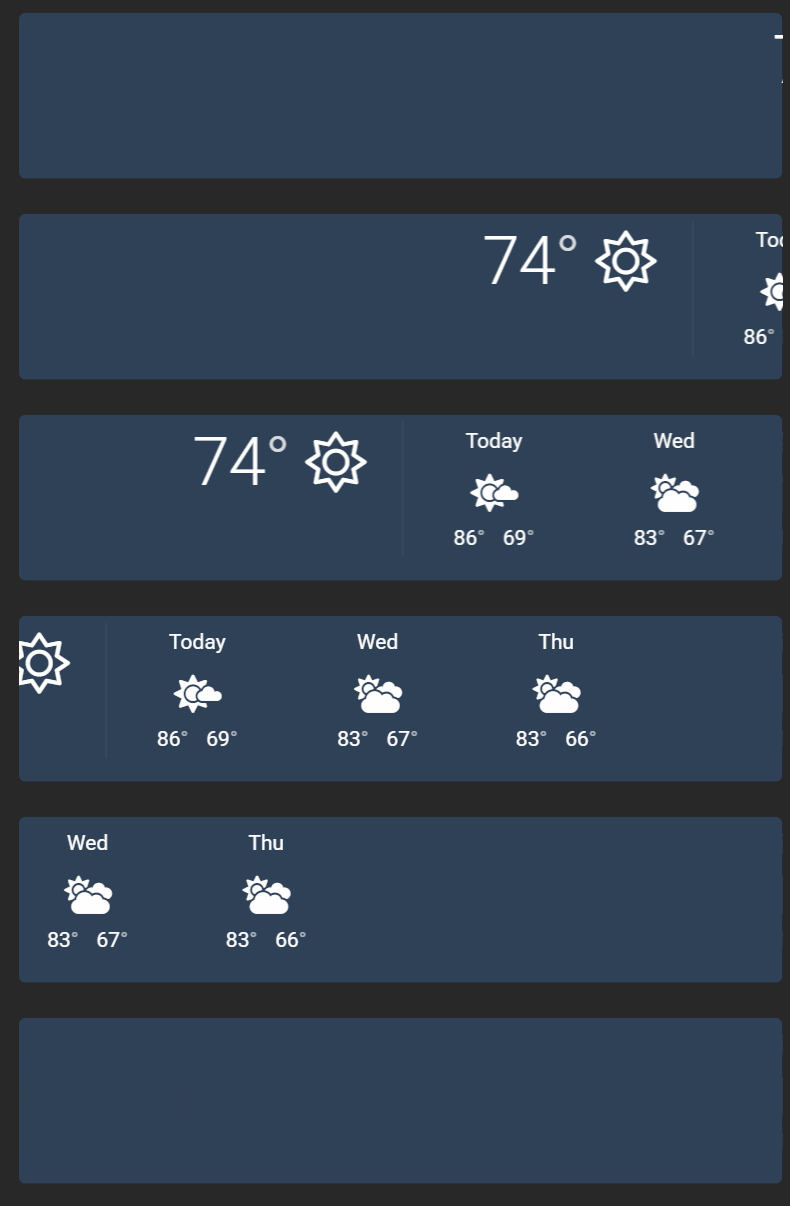
This scrolls the Weather block's forecast row across the screen like a ticker.
/* Hides content outside the block's visible area */
.block--weather
{
     overflow: hidden;
}

/* Horizontal scrolling motion; enters from the right, exits to the left */
@keyframes scroll-horiz-weather-marquee-1
{
     0% {transform: translateX(100%);}
   100% {transform: translateX(-100%);}
}

/* Applies the animation to the forecast row */
.block--weather .weather-container.daily
{
    animation-name: scroll-horiz-weather-marquee-1;
    animation-duration: 15s; /* lower = faster, higher = slower */
    animation-timing-function: linear;
    animation-iteration-count: infinite;
}
Vertical Scrolling:
This scrolls the Weather block's forecast row upward instead, entering from the bottom and exiting off the top.
/* Hides content outside the block's visible area */
.block--weather
{
     overflow: hidden;
}

/* Vertical scrolling motion — rises up from the bottom, exits off the top*/
@keyframes scroll-vert-weather-marquee-1
{
     0% {transform: translateY(100%);}
   100% {transform: translateY(-100%);}
}

/* Applies the animation to the forecast row */
.block--weather .weather-container.daily
{
    animation-name: scroll-vert-weather-marquee-1;
    animation-duration: 15s; /* lower = faster, higher = slower */
    animation-timing-function: linear;
    animation-iteration-count: infinite;
}
Package Tracking Block:
Vertical Scrolling:
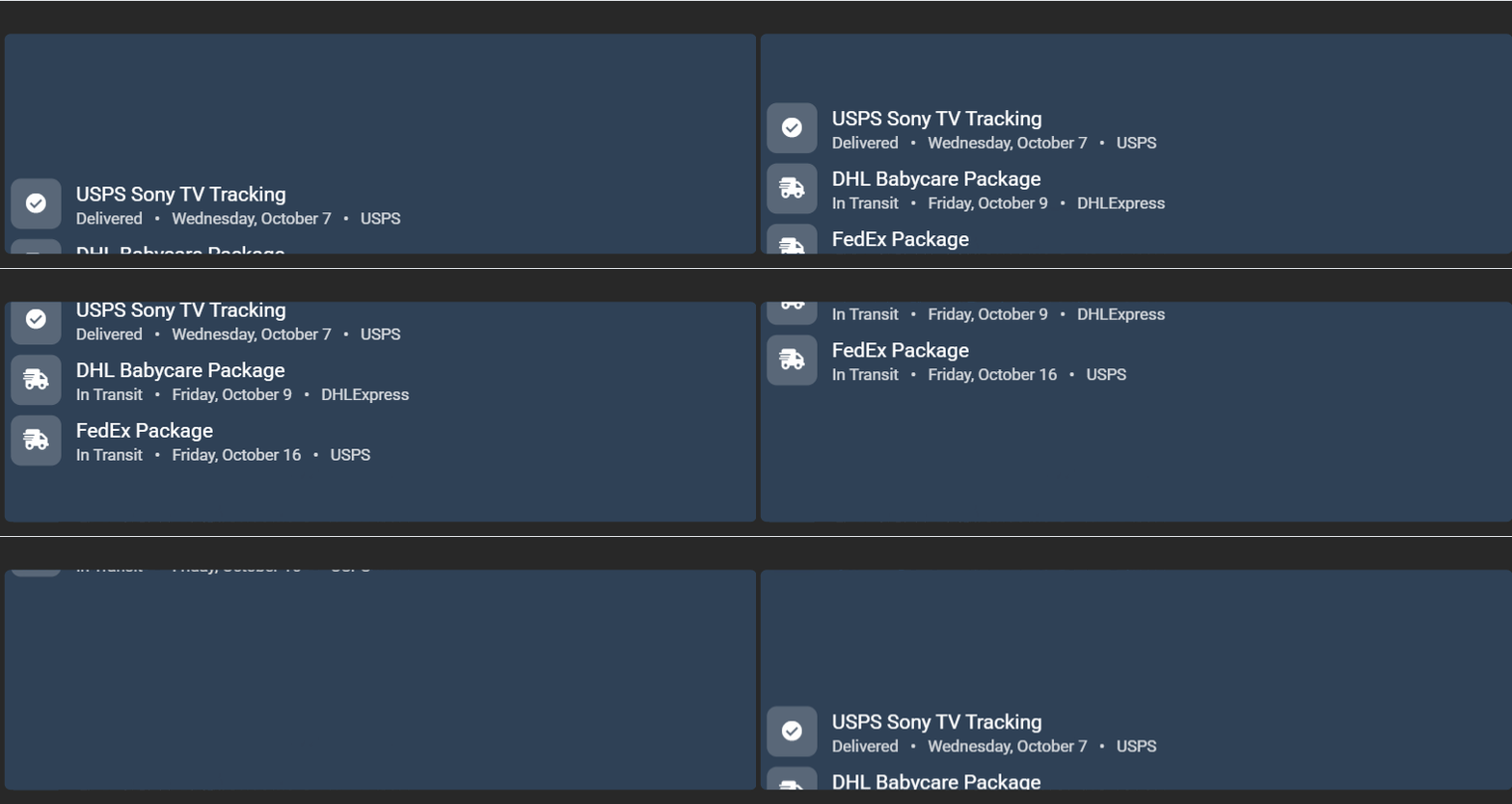
This scrolls the list of tracked packages upward. Useful when you have more tracking entries than fit in the block's height.
/* Hides content outside the block's visible area */
.block-packagetracking
{
     overflow: hidden;
}

/* Vertical scrolling motion with hold points, so each entry pauses briefly as it passes through view */
@keyframes scroll-vert-package-marquee-1
{
     0%   {transform: translateY(100%);}
    25%  {transform: translateY(50%);}
    75%  {transform: translateY(-50%);}
   100%  {transform: translateY(-100%);}
}

/* Applies the animation to the full tracking list */
.block-packagetracking .package-tracking
{
    animation-name: scroll-vert-package-marquee-1;
    animation-duration: 7s; /* lower = faster, higher = slower */
    animation-timing-function: linear;
    animation-iteration-count: infinite;
}
Horizontal Side-by-Side Scrolling:
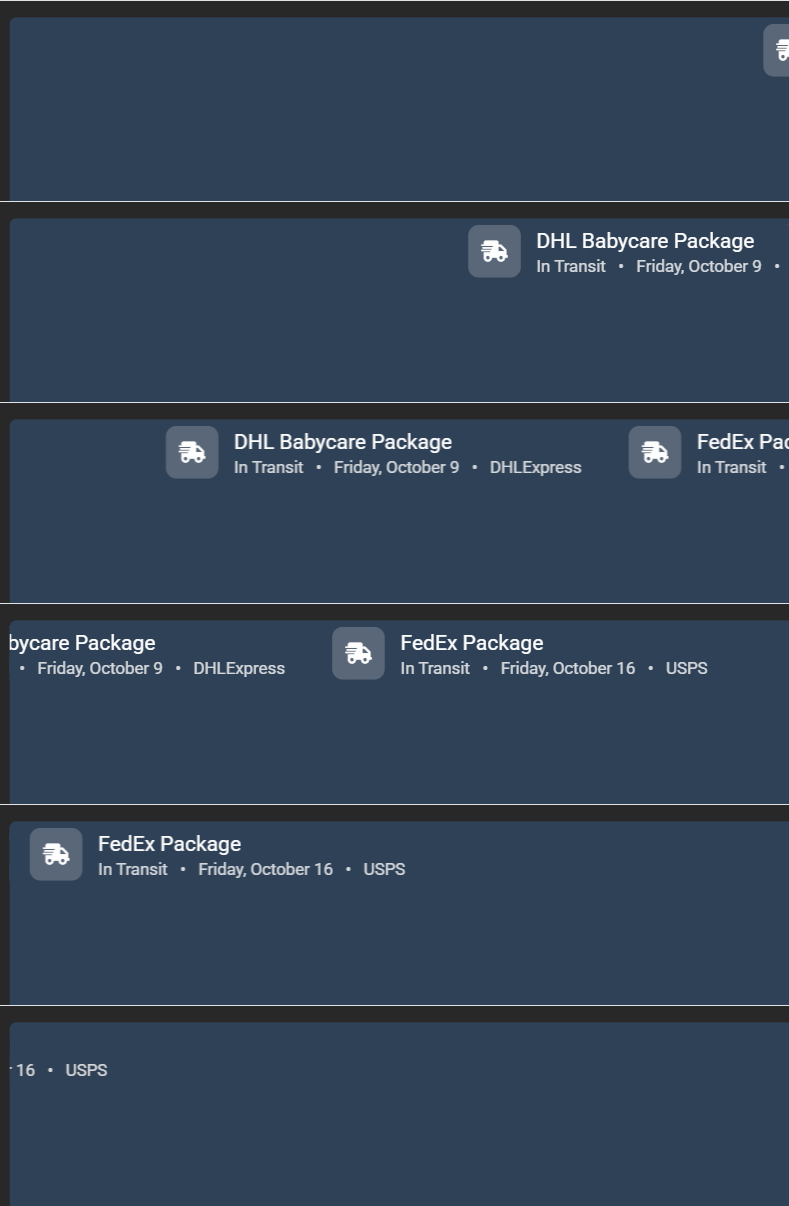
Rearranges each tracking entry into a single horizontal row that scrolls across like a ticker.
/* Hides content outside the block's visible area */
.block-packagetracking
{
     overflow: hidden;
}

/* Rearranges the stacked tracking rows into a single horizontal line */
.block-packagetracking .package-tracking
{
     display: flex;
     flex-wrap: nowrap;
     width: auto;
}

/* Keeps each tracking entry at its natural width and adds spacing between entries */
.block-packagetracking .tracking-row
{
     flex: 0 0 auto;
     margin-right: 2em;
}

/* Horizontal scrolling motion */
@keyframes scroll-horiz-package-marquee-1
{
     0% {transform: translateX(100%);}
   100% {transform: translateX(-100%);}
}

/* Applies the animation */
.block-packagetracking .package-tracking
{
    animation-name: scroll-horiz-package-marquee-1;
    animation-duration: 18s; /* lower = faster, higher = slower */
    animation-timing-function: linear;
    animation-iteration-count: infinite;
}
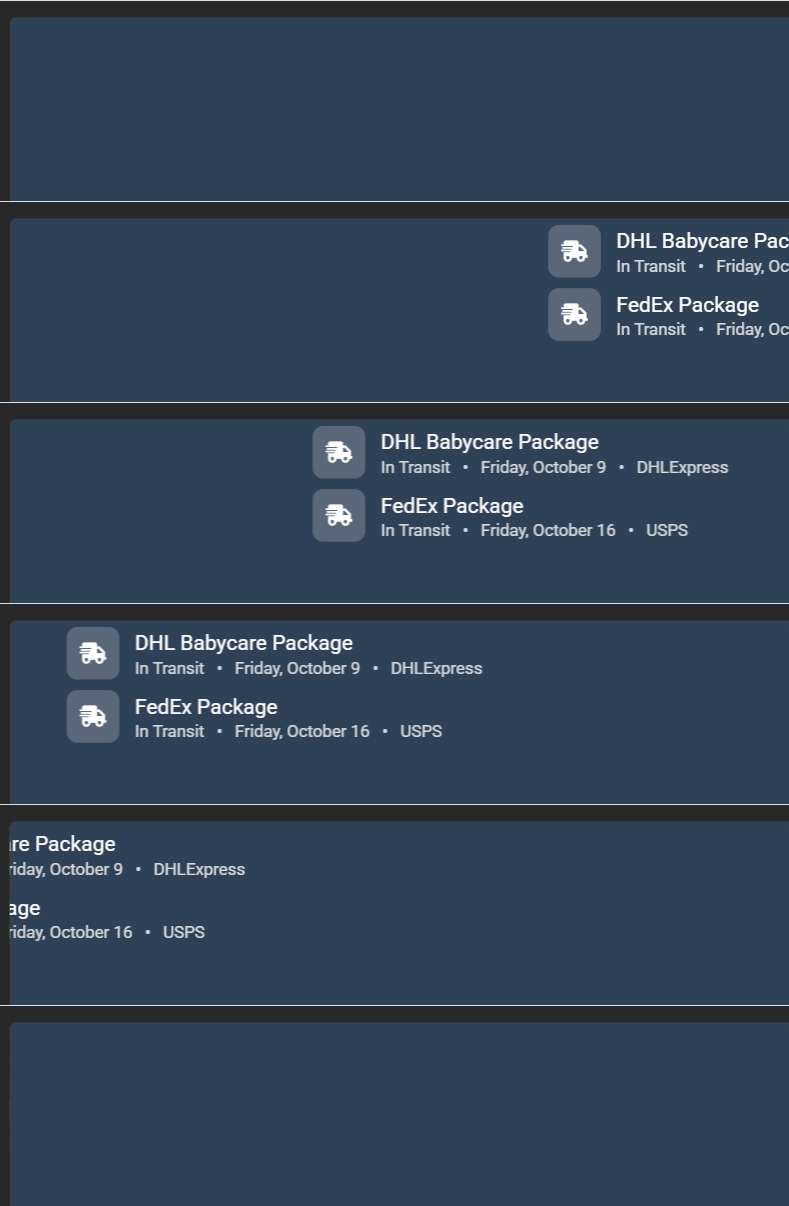
Horizontal Stacked Scrolling:
Keeps packages stacked the way they normally appear, but slides the entire stack in and out as one unit.
/* Hides content outside the block's visible area */
.block-packagetracking
{
     overflow: hidden;
}

/* Horizontal scrolling motion — slides the whole stack in and out as one unit */
@keyframes scroll-horiz-package-marquee-1
{
    0%   {transform: translateX(100%);}
   100%  {transform: translateX(-100%);}
}

/* Applies the animation to the full tracking list */
.block-packagetracking .package-tracking
{
    animation-name: scroll-horiz-package-marquee-1;
    animation-duration: 18s; /* lower = faster, higher = slower */
    animation-timing-function: linear;
    animation-iteration-count: infinite;
}
(Optional) Pause Scrolling When Hovered:
For those who use their Screens more interactively, you may want scrolling to pause while someone's cursor or finger is actually on the content.
Add the matching snippet below in addition to whichever scrolling snippet you've already added, pauses the content while touched or hovered by moving the mouse cursor into the scrolled area.
Make sure the selector below matches the one used in the animation rule you added (for example, if you changed a block's name or targeted a different :nth-child, update it here too).
Fetch block:
.block--MyScrollingFetchBlock .json-data:nth-child(1) .json-data-value:hover
{
      animation-play-state: paused;
}
Weather block:
.block--weather .weather-container.daily:hover
{
      animation-play-state: paused;
}
Package Tracking block:
.block-packagetracking .package-tracking:hover
{
      animation-play-state: paused;
}
Frequently Asked Questions:
How do I make the scroll speed faster or slower?
Adjust the animation-duration value in each snippet, which is measured in seconds. A lower number scrolls faster, while a higher number scrolls slower.
Helpful Articles:
Having trouble? See if these articles help.